Artificial Intelligence (AI) is transforming the way we use computers. From real-time video enhancements and voice assistants to image generation and productivity tools, AI is becoming a standard feature in modern laptops. Behind many of these intelligent features is a specialized processor called the Neural Processing Unit (NPU).
If you’ve recently looked at the specifications of new laptops from Intel, AMD, or Qualcomm, you’ve probably noticed the term NPU. But what exactly is it, and why is it becoming such an important part of today’s computers?
In this guide, we’ll explain what an NPU is, how it works, how it compares to CPUs and GPUs, and why you should consider buying a laptop with an NPU in 2026.
What is an NPU?
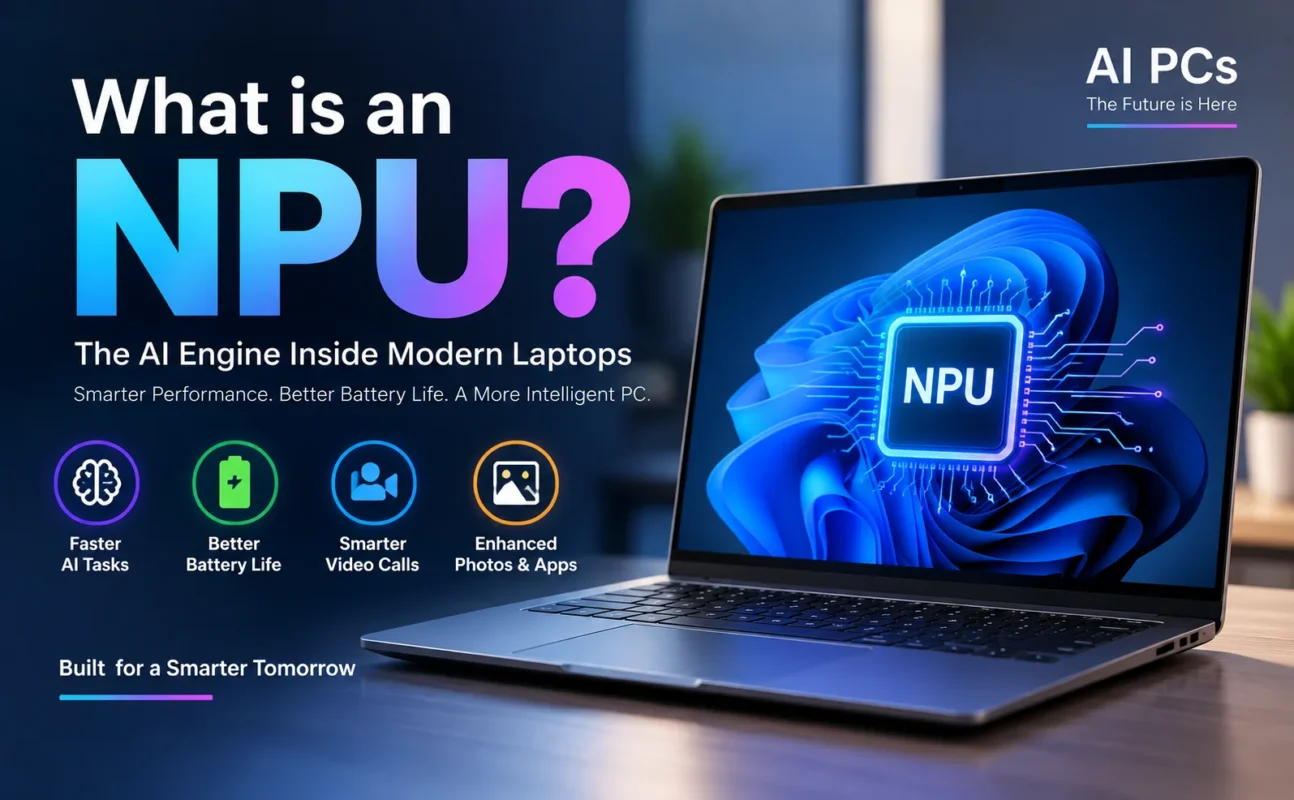
An NPU (Neural Processing Unit) is a specialized processor designed specifically to accelerate Artificial Intelligence (AI) and Machine Learning (ML) tasks. Unlike a CPU, which handles general computing, or a GPU, which excels at graphics and parallel processing, an NPU focuses on AI workloads.
Think of it as a dedicated AI engine inside your laptop. It processes tasks like speech recognition, image enhancement, background blur, live translations, and AI-powered productivity tools much faster and more efficiently than a traditional processor.
As AI becomes more integrated into everyday software, NPUs are becoming a standard feature in premium laptops.
How Does an NPU Work?
An NPU is built to perform billions of AI-related calculations every second. Instead of processing one task after another like a CPU, it is optimized to handle neural network operations efficiently.
When you use AI-powered features—such as removing background noise during a video call or generating captions in real time—the NPU handles these tasks locally on your device. This reduces the workload on the CPU and GPU, resulting in faster performance and lower power consumption.
Because AI tasks run directly on the laptop, many features work even without an internet connection.
Why Do Modern Laptops Include NPUs?
As AI applications continue to grow, laptop manufacturers are adding NPUs to improve performance and battery life.
A laptop with an NPU can:
- Run AI applications faster
- Improve battery efficiency
- Reduce CPU workload
- Enable real-time AI features
- Enhance video conferencing
- Improve voice recognition
- Speed up AI-assisted photo editing
- Support future AI software
This is why Intel, AMD, Qualcomm, and Microsoft are investing heavily in AI-powered PCs.
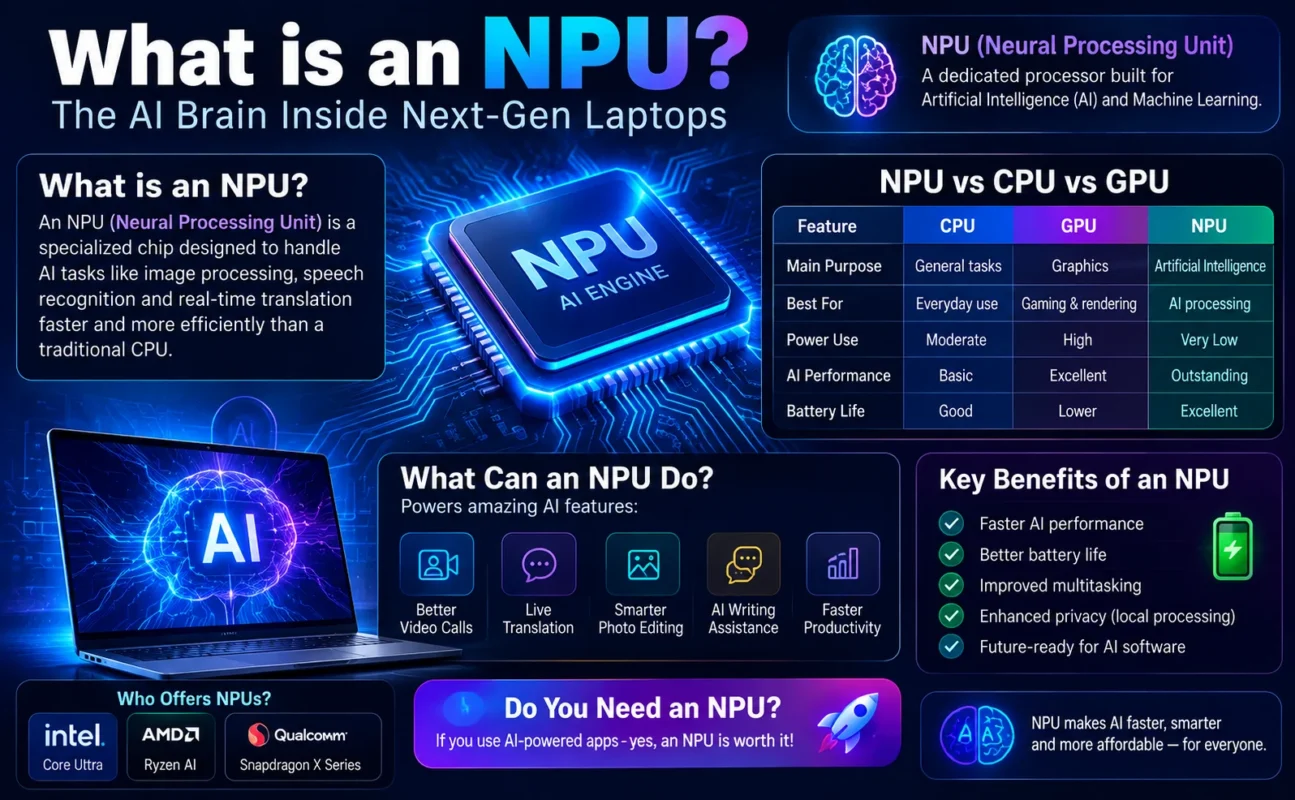
NPU vs CPU vs GPU
Although all three processors work together, each has a different purpose.
| Feature | CPU | GPU | NPU |
| Main Purpose | General computing | Graphics & parallel computing | Artificial Intelligence |
| Best For | Everyday tasks | Gaming, rendering, AI training | AI inference |
| Power Consumption | Moderate | High | Very Low |
| AI Performance | Basic | Excellent | Outstanding |
| Battery Efficiency | Good | Lower | Excellent |
CPU
The CPU is the brain of your computer. It manages everyday tasks such as opening applications, browsing the web, running software, and multitasking.
GPU
The GPU specializes in graphics processing and parallel computing. It’s essential for gaming, video editing, 3D rendering, and certain AI workloads.
NPU
The NPU is dedicated to AI processing. It efficiently handles tasks like speech recognition, image enhancement, and AI assistants while consuming minimal power.
What Can an NPU Do?
Many AI-powered features you use daily rely on an NPU.
Examples include:
AI Video Calls
Modern laptops can automatically:
- Blur your background
- Keep you centered in the frame
- Reduce background noise
- Improve microphone quality
- Adjust eye contact
These features run smoothly thanks to the NPU.
Live Translation
Some AI-powered applications can translate conversations in real time. Instead of relying entirely on cloud servers, an NPU can process many of these tasks directly on your device.
AI Photo Editing
Photo editing software now includes AI features like:
- Object removal
- Background replacement
- Automatic image enhancement
- Noise reduction
- Smart masking
An NPU speeds up these processes while reducing power consumption.
AI Writing Assistance
Many modern productivity tools use AI to:
- Rewrite text
- Summarize documents
- Generate emails
- Correct grammar
- Improve writing
An NPU helps run these AI models more efficiently.
Benefits of an NPU
Adding an NPU to a laptop offers several advantages:
Faster AI Performance
AI workloads are completed much faster than if they relied solely on the CPU.
Better Battery Life
Because the NPU is optimized for AI tasks, it consumes significantly less power.
Improved Multitasking
The CPU remains available for everyday applications while the NPU handles AI processing.
Enhanced Privacy
Many AI tasks run locally instead of sending your data to cloud servers.
Future-Proof Computing
As more software integrates AI features, laptops with NPUs will be better prepared for future updates.
Do You Need an NPU?
The answer depends on how you use your laptop.
You Should Consider an NPU If You:
- Use AI-powered productivity tools
- Attend frequent online meetings
- Edit photos or videos
- Create digital content
- Use AI assistants
- Want better battery life
- Plan to keep your laptop for several years
You May Not Need One If You:
- Only browse the internet
- Use Microsoft Office occasionally
- Watch videos
- Have a limited budget
Which Laptop Brands Offer NPUs?
Many of the latest laptops now include built-in NPUs.
Intel
Intel’s Core Ultra processors feature an integrated AI engine designed to accelerate local AI tasks.
AMD
AMD Ryzen AI processors include dedicated NPUs for AI-enhanced computing and productivity.
Qualcomm
Qualcomm’s Snapdragon X Series processors place a strong emphasis on AI performance and battery efficiency, making them popular for next-generation AI PCs.
Common AI Features Powered by NPUs
Today’s AI laptops can offer features such as:
- Windows Studio Effects
- Live captions
- Voice isolation
- AI-powered webcam enhancements
- Automatic framing
- Smart noise cancellation
- AI-assisted photo editing
- Local AI chatbots
- Image generation
- AI search and productivity tools
As software evolves, even more features will rely on NPUs.
Is an NPU Good for Gaming?
An NPU doesn’t directly increase gaming frame rates like a dedicated GPU. However, it can enhance the overall gaming experience by:
- Improving voice chat quality
- Reducing background noise
- Optimizing webcam effects for streaming
- Supporting AI-powered game enhancements
For pure gaming performance, the GPU remains the most important component.
Frequently Asked Questions (FAQs)
NPU stands for Neural Processing Unit, a processor specifically designed to accelerate Artificial Intelligence and Machine Learning tasks.
Not exactly. An NPU isn’t a replacement for a CPU. It complements the CPU by handling AI-specific workloads more efficiently.
For AI inference tasks, an NPU is often more power-efficient. For gaming, graphics rendering, and AI training, a GPU is still the better choice.
Yes. AI applications can run on CPUs and GPUs, but they may use more power and deliver lower performance compared to an NPU.
If you want to use modern AI features, improve battery life, and future-proof your device, a laptop with an NPU is a worthwhile investment.
Conclusion
As AI becomes a core part of modern computing, the Neural Processing Unit (NPU) is quickly becoming an essential component in today’s laptops. It works alongside the CPU and GPU to handle AI tasks more efficiently, delivering faster performance, lower power consumption, and a smoother user experience.
Whether you’re attending video meetings, editing photos, using AI writing tools, or exploring the latest AI-powered applications, an NPU helps your laptop perform these tasks with greater speed and efficiency.
If you’re planning to buy a new laptop in 2026, choosing a model with an NPU is a smart way to prepare for the future of AI-powered computing. As more software begins to rely on local AI processing, laptops equipped with NPUs will offer better performance, improved battery life, and access to features that older systems may not support.