Choosing the right RAM can make a noticeable difference in your computer’s performance. If you’re buying a new laptop, upgrading a PC, or simply comparing different systems, you’ve probably come across two common memory standards: DDR4 and DDR5 RAM.
But what is the actual difference between them? Is DDR5 really faster than DDR4? Is it worth paying more for newer memory? And if you’re buying a laptop in Pakistan, should you choose DDR4 or DDR5?
In this guide, we’ll break down DDR5 vs DDR4 RAM in simple terms and compare their speed, bandwidth, power consumption, capacity, gaming performance, compatibility, and overall value. By the end, you’ll have a much clearer idea of which RAM technology makes sense for your next laptop or PC.
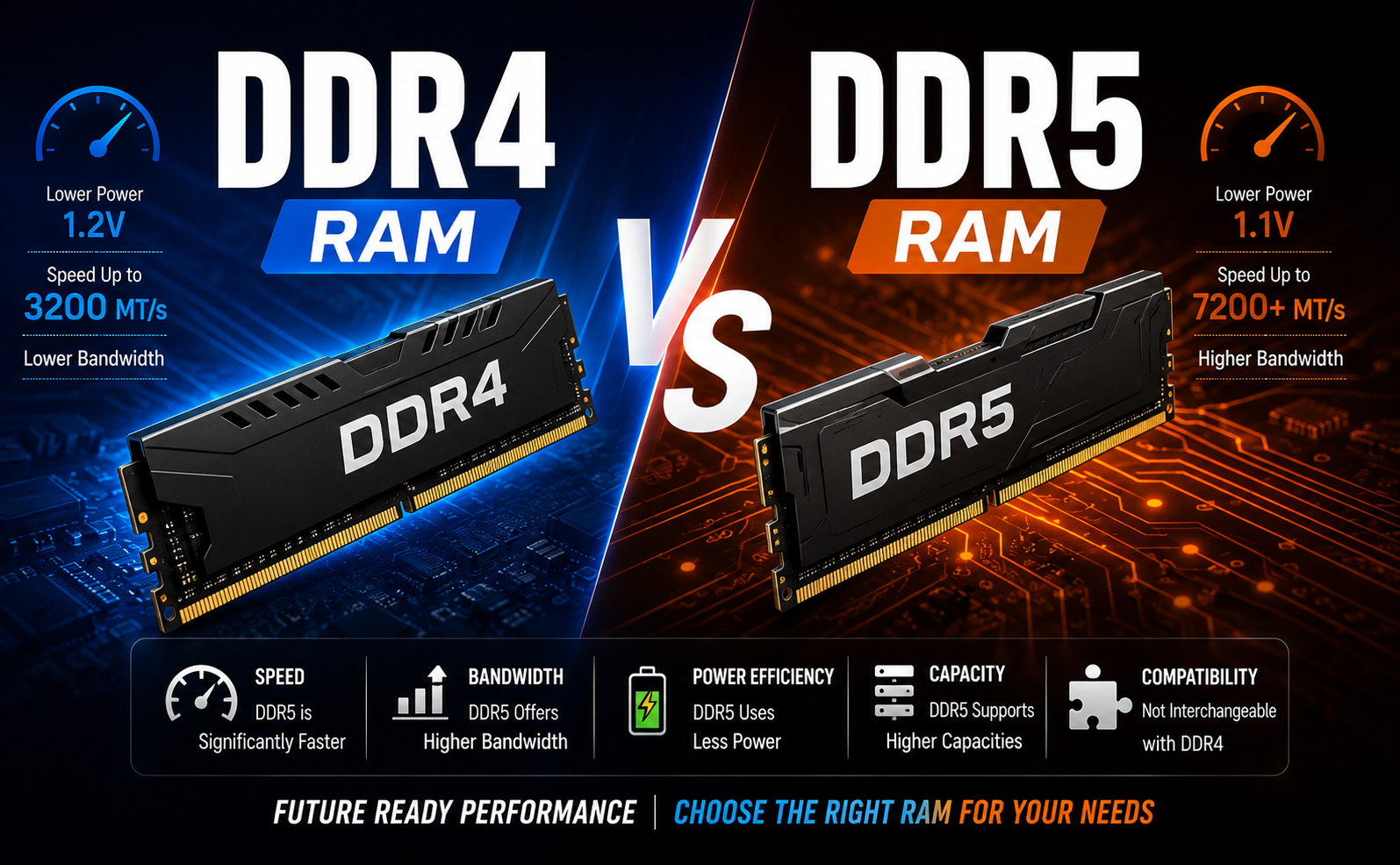
DDR4 vs DDR5 RAM: Quick Comparison
Feature
DDR4 RAM
DDR5 RAM
Generation
Older generation
Newer generation
Starting Speed
Around 2133 MT/s
Around 4800 MT/s
Higher Available Speeds
Up to around 3200 MT/s officially for common systems
Significantly higher speeds available
Voltage
Around 1.2V
Around 1.1V
Bandwidth
Lower
Higher
Capacity Potential
Lower
Much higher
Gaming
Very good
Excellent
Multitasking
Good
Better for demanding workloads
Compatibility
DDR4-compatible motherboards
DDR5-compatible motherboards
Price
Usually more affordable
Usually more expensive
Best For
Budget systems and existing DDR4 platforms
Newer and high-performance systems
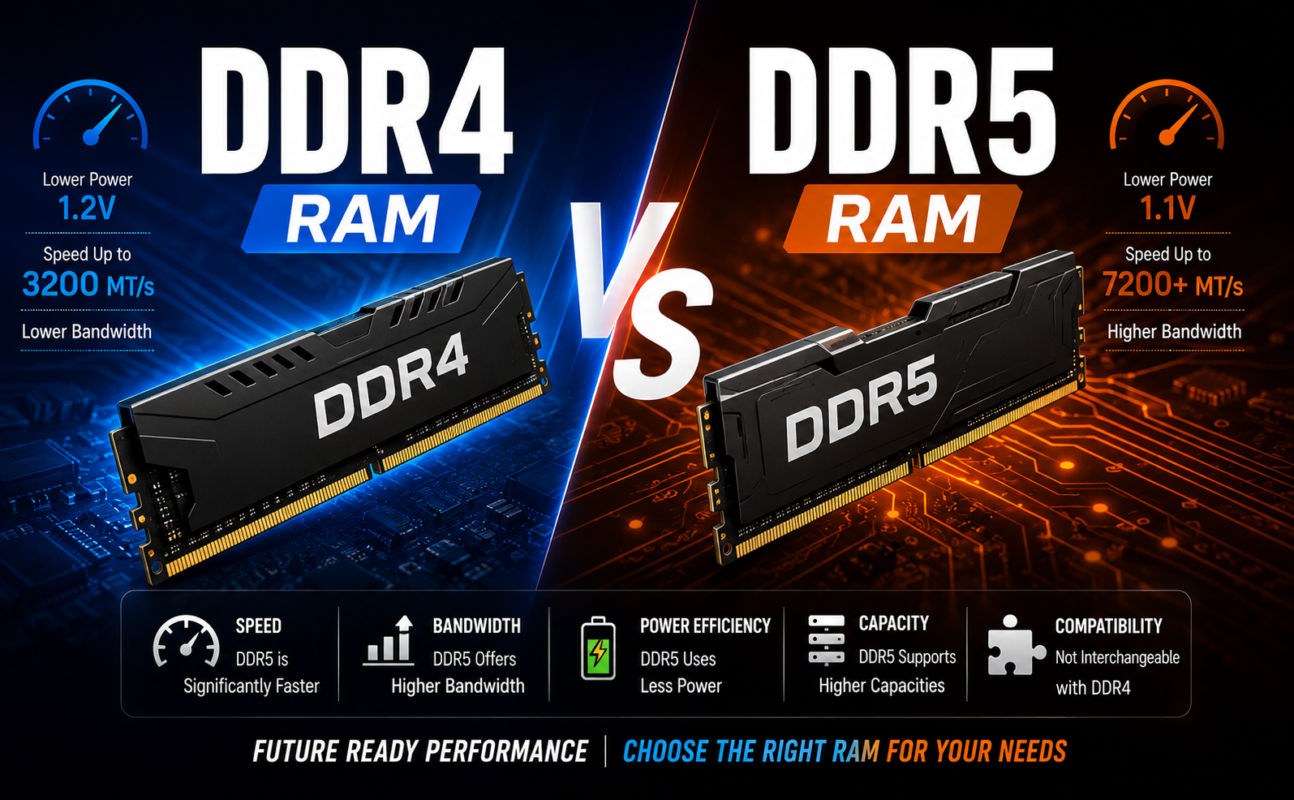
Important: DDR4 and DDR5 are not interchangeable. Your motherboard or laptop must specifically support the RAM generation you’re buying.
What Is DDR4 RAM?
DDR4, or Double Data Rate 4, has been one of the most widely used RAM standards for computers and laptops for years.
It replaced DDR3 and brought improvements in speed, capacity, and power efficiency. DDR4 is still found in a large number of laptops, desktop PCs, and workstations because it offers a good balance between performance and cost.
For everyday activities such as browsing the web, working with Microsoft Office, watching videos, studying, and general multitasking, DDR4 RAM can still provide a smooth experience.
For example, a laptop with 16GB DDR4 RAM can comfortably handle everyday productivity, web browsing with multiple tabs, office applications, and many common professional workloads.
The biggest advantage of DDR4 today is value. Since it is an older and more established technology, DDR4-compatible hardware can often be purchased at a lower price.
DDR5 is the newer generation of Double Data Rate memory technology.
It was designed to provide substantially higher memory bandwidth, greater capacity potential, and improved power efficiency compared with DDR4.
DDR5 commonly starts at much higher memory transfer rates than standard DDR4, making it particularly attractive for modern processors and demanding applications.
Modern laptop platforms using newer Intel Core Ultra, Intel Core, AMD Ryzen, and other processors increasingly support DDR5 or related newer memory technologies.
If you’re purchasing a brand-new laptop or building a new PC, DDR5 is generally the more forward-looking choice.
DDR5 vs DDR4 RAM: What’s the Difference?
The biggest differences become easier to understand when we look at individual features.
1. DDR5 Offers Higher Speed
One of the biggest advantages of DDR5 is its higher data-transfer speed.
Common DDR4 systems typically operate around 2133–3200 MT/s depending on the platform and memory configuration. DDR5 starts considerably higher, with standard speeds beginning around 4800 MT/s and going much higher in newer modules.
Higher memory speed means more data can move between the RAM and processor in a given amount of time.
However, this doesn’t mean that a DDR5 laptop will automatically be twice as fast as a DDR4 laptop. Overall performance also depends on the processor, SSD, graphics, cooling system, software, and other components.
Winner: DDR5
2. DDR5 Provides More Memory Bandwidth
Bandwidth is another major advantage of DDR5.
Think of bandwidth like the width of a highway. A wider highway can move more traffic at the same time.
DDR5 provides substantially more memory bandwidth than DDR4, which can benefit applications that frequently move large amounts of data.
This can be particularly useful for:
Video editing
3D rendering
Content creation
Large spreadsheets
Professional applications
Multitasking
Certain AI workloads
Integrated graphics
For everyday browsing and office work, however, the difference may not always be obvious.
Winner: DDR5
3. DDR5 Uses Less Power
DDR5 operates at a lower standard voltage than DDR4, moving from approximately 1.2V to around 1.1V.
That might not sound like a huge difference, but reducing voltage can improve power efficiency.
This is particularly relevant for laptops, where battery life is an important consideration.
However, don’t expect switching from DDR4 to DDR5 alone to dramatically increase battery life. The processor, display, battery capacity, brightness, applications, and overall laptop design have a much larger impact.
Winner: DDR5
4. DDR5 Supports Higher Capacities
Another important advantage of DDR5 is its capacity potential.
Modern computing is becoming increasingly demanding. Applications such as video editing, virtual machines, large datasets, creative software, and AI tools can benefit from having more memory available.
DDR5’s architecture allows for significantly higher memory densities than earlier generations.
For a typical user, however, capacity is often more important than the DDR generation itself.
For example, 16GB DDR4 may be more useful than 8GB DDR5 for someone who regularly runs multiple applications.
So when buying a laptop, don’t focus only on DDR4 vs DDR5. Always consider the total RAM capacity as well.
DDR5 vs DDR4 RAM for Gaming
Gamers often wonder whether DDR5 is worth upgrading to.
The answer depends on the rest of the system.
DDR5 can provide additional memory bandwidth and can help modern processors perform at their best. In some games and configurations, this can result in higher frame rates or better consistency.
However, your GPU usually has a much greater impact on gaming performance.
For example, upgrading from a weak graphics card to a significantly more powerful GPU can make a much larger difference than moving from DDR4 to DDR5.
If you’re building a completely new gaming PC, DDR5 makes sense because you’re starting with a modern platform.
If you already own a capable DDR4 gaming system, however, you don’t necessarily need to replace the entire system simply because DDR5 exists.
For a new gaming PC: DDR5 is generally the better choice.
DDR5 vs DDR4 for Laptops
The comparison becomes slightly different with laptops.
Most laptops don’t allow you to freely swap between DDR4 and DDR5. The memory technology is determined by the laptop’s motherboard and processor platform. Some modern laptops also use memory that is soldered directly onto the motherboard.
Therefore, if you’re buying a laptop, you should choose the memory configuration at the time of purchase.
A laptop with 16GB DDR5 RAM is generally a strong choice for users who want a newer system with good long-term potential.
For budget-conscious buyers, a 16GB DDR4 laptop can still offer excellent performance for office work, education, browsing, business applications, and general productivity.
DDR5 vs DDR4 for Office and Business Work
For normal business tasks, you don’t necessarily need DDR5.
Applications such as:
Microsoft Word
Excel
PowerPoint
Email
Web browsing
Accounting software
Video meetings
Business management systems
can run perfectly well on DDR4.
If two laptops have similar processors and storage but one costs significantly more simply because it has DDR5, consider whether you’ll actually benefit from the additional performance.
For many office users, 16GB of RAM is more important than choosing the latest memory generation.
For a brand-new system, DDR5 is often worth considering.
The higher bandwidth, better efficiency, and greater future potential make it a sensible choice for modern computers.
However, the answer changes if you’re upgrading an existing DDR4 system.
If your current computer already has sufficient DDR4 RAM and performs well, moving to DDR5 may require a new motherboard and potentially a new processor as well.
In that situation, the overall upgrade cost can become much higher.
So don’t upgrade to DDR5 simply because it is newer. Upgrade when the performance improvement justifies the total cost.
Having enough RAM is often more important than having the newest memory generation.
If you’re comparing an 8GB DDR5 laptop with a 16GB DDR4 laptop, the 16GB system may provide a better experience when multitasking because it has twice the memory capacity.
For example, if you regularly keep dozens of browser tabs open while using Excel, Teams, Photoshop, or other applications, additional RAM can prevent slowdowns caused by insufficient memory.
So don’t look at “DDR5” alone. Always check RAM capacity + speed + processor + storage together.
If you’re happy with your current computer, there’s usually no reason to upgrade just for DDR5.
A DDR5 upgrade can make sense when you’re already planning a major system upgrade involving a newer CPU and motherboard.
For laptop users, the decision is even simpler: if you’re buying a new laptop, choose the configuration that offers the right combination of RAM capacity, processor, storage, display, and price.
When comparing DDR5 vs DDR4 RAM, DDR5 is clearly the newer and more advanced memory technology. It offers higher speeds, greater bandwidth, improved power efficiency, and much greater capacity potential.
However, DDR4 is far from obsolete. It remains an excellent option for budget-friendly laptops, business computers, office systems, and existing PCs.
If you’re purchasing a new laptop or building a new PC, DDR5 is generally the better long-term choice. It gives you access to a modern platform and provides more memory bandwidth for demanding workloads.
But if you’re looking for the best value or already own a DDR4 system, there is no need to upgrade simply because DDR5 is newer.
The best approach is to look at the complete system rather than RAM alone. A laptop with a powerful processor, 16GB or more RAM, a fast SSD, and a quality display can be a much better purchase than a system that simply advertises DDR5.
In short: choose DDR5 for a new, modern and performance-focused system; choose DDR4 when affordability and value are your priority.
About BSS It Solutions
BSS IT Solutions is a trusted technology provider in Pakistan, offering laptops, gaming laptops, business laptops, printers, monitors, computer accessories, PC components, and IT equipment from trusted brands. We provide quality products at competitive prices for students, professionals, gamers, home users, and businesses. Whether you need technology for work, study, gaming, or office use, BSS IT Solutions delivers reliable products, helpful service, and practical IT solutions across Pakistan.